
Inventory management
Episcript builds Inventory Management Software that keeps one live stock balance for every product, in a warehouse, outlet or with a distributor, valued at what you paid. AI features, such as demand forecasts, can follow.
Built for distributors, wholesalers, retailers with several outlets and manufacturers holding stock in Singapore and the region.
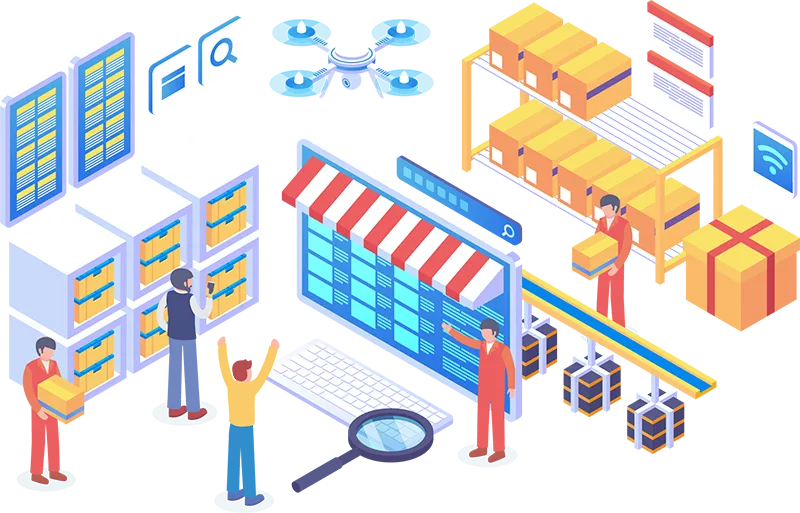
Stock movement
Inventory Management Software tracks the stock you hold, where it sits and what it is worth, on one record.
A line that reaches its reorder point drafts a purchase order to the supplier, at the price break you agreed.
The delivery is scanned in against the purchase order and joins the balance at that warehouse or outlet.
Stock is held by warehouse, outlet, area and country, and transfers between sites carry the value with the goods.
Orders from sales, outlets and your online store reserve stock from one pool, so no unit is promised twice.
Each item is scanned against its order at the packing bench, catching a wrong pick before it leaves.
The invoice, raised here or in our Invoicing Software, draws on the despatched quantity, and stock value passes to your accounts.
Stock control
Each movement is recorded as it happens, on an audit trail, and our Order Management Software allocates stock before picking.
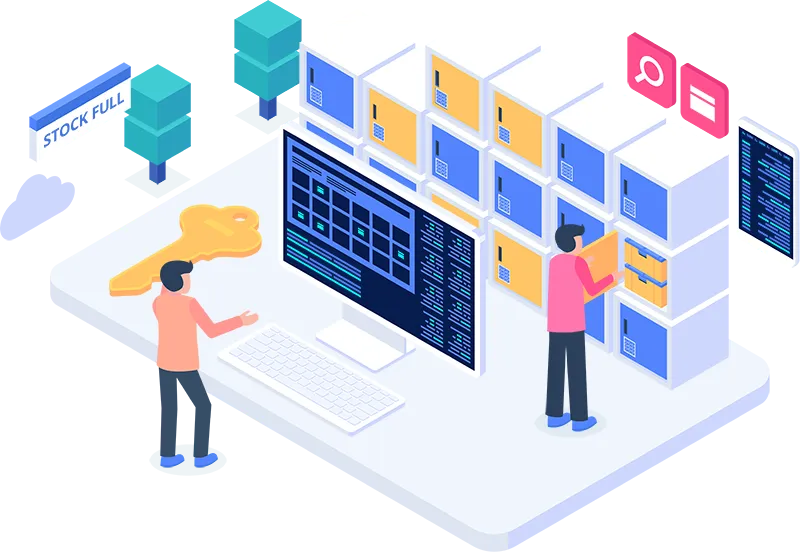
Multi-location
For bin locations, picking routes and packing, our Warehouse Management System runs the floor on the same item records.
Add a new warehouse, a bonded store, a retail outlet or an overseas hub without restructuring the product catalogue.
Assign stock to a named site and fulfil each order from the location that can serve the customer fastest.
Raise, despatch and receive a transfer, with quantity and value moving together and goods on the road shown as in transit.
Each outlet sees its own shelf stock and can request a top-up from the warehouse, while head office compares every outlet side by side.
Every site reads the same balance as it changes, with no overnight batch or end-of-day reconciliation.
A branch manager reports on one warehouse and the board on the group, while regional offices buy and value stock in their own currency.
Retail outlets
Outlet stock, par levels, transfers and till sales run on the same product and stock records as the warehouse.
Sales come in from the tills or POS System your outlets already use, or from a POS module in a larger build, and stock falls as items sell.
Set a par for each item and outlet, with separate figures for weekdays, weekends or a promotion, and the shortfall becomes a suggested quantity.
Outlet managers request top-ups on a phone, and the central store picks every request from one list per delivery day, sent as a transfer.
When one outlet runs short, a nearby one sends stock across, recorded at both ends and shown as in transit until the receiving outlet confirms the count.
Count an outlet on a phone after closing, log wastage with a reason, and see unexplained shrinkage by outlet, item and week.
Head office sets the catalogue, prices and promotions once, and every outlet works from them, with sales, margin, stock value and open orders on one dashboard.
Valuation
Stock value recalculates as goods move, at actual supplier prices with landed costs, and passes to your accounting software.
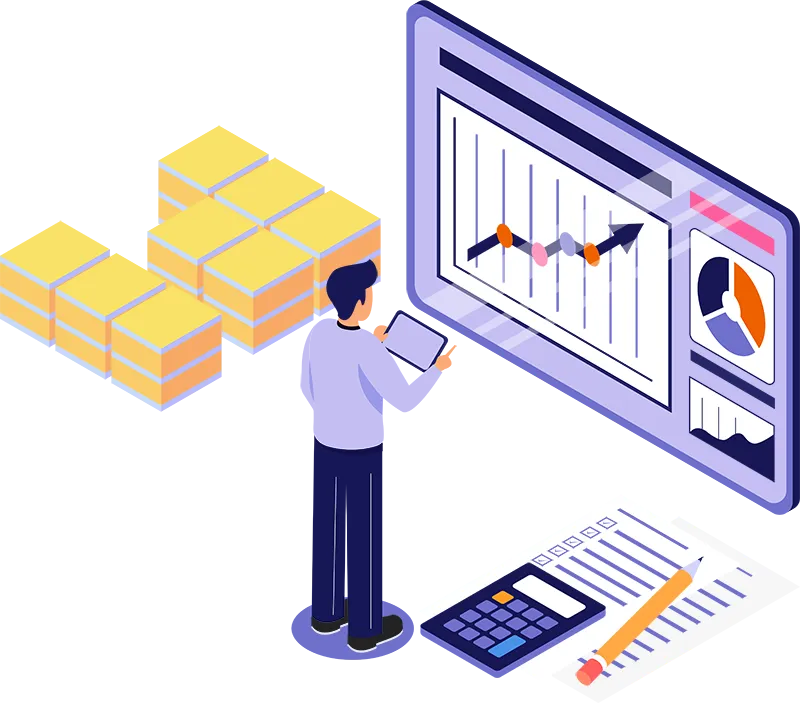
Purchasing and scanning
A reorder, an alert and a scan all read and write the same stock record.

Purchase orders are drafted at the reorder point for buyer approval, and supplier records hold lead times, terms, price breaks and spend. Approvals and tenders sit in our Procurement Software.

Alerts go by email, SMS or notification when stock falls below minimums set per product and warehouse. Delayed shipments are flagged, and the reorder report lists lines nearing minimum.

Scans at goods-in, counts and packing record item, quantity and location without typing. Labels print for products, variants and locations, and screens run on handhelds, phones and tablets.
Module library
The modules you need come first. Before that, settle whether your spreadsheets can carry the business a little longer.
The count matches the books, or you know why not.
Staff scan shelf, outlet or warehouse counts on a handheld, phone or tablet, with no paper sheet.
Every write-off or correction records the user, reason and time, and larger ones wait for manager approval.
Run a full stock take at every warehouse and outlet, with each site reconciled against its book stock.
Blind counts hide the expected figure, and batches are tracked to expiry with warehouse inventory control.
Spot slow movers while a discount still recovers the cost.
Compare how quickly stock sells through by product group, brand, warehouse or outlet.
Receipts, transfers, sales and returns are listed line by line against the user who recorded each one.
Quantities on hand, reserved for orders and inbound from suppliers, shown for every product, variant and site.
Slow stock is listed first, while a discount can still recover its cost, beside low reorder points.
Report units sold and the margin earned by product, channel, customer and period, at actual cost.
External auditors get the full adjustment history, while outlet staff see stock without supplier costs.
Stock figures reach the systems that bill, sell and ship.
Stock values, purchases and invoices pass to Xero, QuickBooks or your accounting software, ready for month end.
Sales rung up at each outlet draw down the same stock balance the warehouse and head office see.
Orders placed online reserve stock at checkout from the same pool, so no unit is promised twice.
Invoices carry PayNow details and reach customers who receive Peppol e-invoices through the InvoiceNow network.
Despatched orders pick up tracking numbers from couriers and 3PL providers by API or scheduled file.
We build around the scanners and label printers you already own, with labels printed straight from the system.
AI capability
Each is built in its own phase on your stock history, and staff confirm any stock change or order.

Project demand per line from your sales history, seasonality and promotions, and compare it with cover at every warehouse and outlet.

Suggest how much to order and when, weighing lead time, minimum order quantities and cash tied up, with the purchase order drafted for approval.

Flag write-offs, adjustments and count variances outside the normal pattern for a product, site or user, for a manager to review.

Read supplier invoices, delivery orders and packing lists sent as PDFs or photos, and prepare the receipt and landed costs for checking.

Ask in plain English which lines fell below cover last month or which slow movers hold the most capital, with the report behind the answer.

Agents tell trade customers and outlet staff whether an item is in stock or when a delivery is due, passing anything else to your team.
Common questions
Inventory Management Software tracks how much stock you own, where it is held, what it is worth and when to reorder. A Warehouse Management System runs the physical work inside a warehouse: bin locations, putaway, picking, packing and cycle counts.
A custom build suits stock processes a packaged product cannot fit: consignment stock, unusual costing rules, sites abroad or connected systems. For a small business with one site and a simple product list, a packaged product is usually cheaper.
Excel copes with one location, a modest product list and one careful person keeping it up to date. It stops coping when several people sell from the same stock, stock sits in several places or month end needs actual cost.
The cost depends on scope, not a per-user rate card: warehouses, outlets and channels, costing and purchasing rules, integrations, hardware and data. Our solutions are eligible for government grants, and phases can spread the investment.
It is a cloud-based Inventory Management System when Episcript hosts it, or it runs in your own environment. The office works in a browser, and warehouse or outlet staff use a phone, tablet or handheld scanner.
The system connects to accounting software such as Xero and QuickBooks, point of sale terminals, your online store, payment gateways and courier or 3PL providers. We use each platform's API, or a scheduled file exchange where it has none.
Invoices are raised from despatched stock, apply GST at the prevailing IRAS rate, carry PayNow details and can go through the InvoiceNow network to customers receiving Peppol e-invoices. We confirm current requirements at build time.
Timelines follow scope, and we release in phases, with products, locations, stock movements and reporting first. We import products, barcodes, suppliers and opening balances, clean out duplicates and reconcile against a physical count before go-live.
Each outlet keeps its own shelf stock, with par levels by item and day, and sales from the tills draw it down as items sell. Managers request top-ups on a phone, and transfers between stores show as in transit.
Barcode scanning covers goods-in, picking, despatch and stock counts on handheld scanners, phones and tablets. We build around the scanners and label printers you already own, and labels print straight from the system.
AI features work with your own stock records: demand forecasts, reorder suggestions with drafted purchase orders, anomaly checks, reading supplier documents, plain-English questions and WhatsApp or email agents. Each is built in its own phase.
Access is set by role: outlet staff see stock without supplier costs, buyers see purchase prices and managers approve larger adjustments. Every adjustment is logged with user, reason and time, supporting your PDPA obligations alongside your own policies.
Related solutions
Built together, they share one set of records. See where an inventory system ends and a WMS or ERP begins.
Run inventory as one part of a wider system covering manufacturing, sales, purchasing, invoicing and accounts on the same records.
View solutionAdd bin locations, putaway, picking routes, packing and cycle counts for a busy warehouse floor.
View solutionTake sales orders, allocate stock and track back orders before the warehouse picks and packs them.
View solutionRun purchase requests, approvals, quotations and supplier comparisons before an order is placed.
View solutionNext step
Bring your product list and your warehouse and outlet structure to the demo, and we will show you how the system handles your movements, valuation and reporting.