
Customer Relationship Management
Episcript is a custom CRM Software development company in Singapore. Clients, leads, quotations, orders and conversations share one system, shaped around how your team sells. AI lead scoring, drafted replies and forecasts can be added.
Built in Singapore for small and growing businesses whose sales process does not fit a standard CRM package.

Core modules
In sales management, the pipeline lays out every deal as a card in a stage, from first contact to closure. At a glance you can count the deals in each stage, spot the ones that have gone quiet, and see which salesperson needs help.
Sales automation strips out the repetitive part of the job. Reminders, tasks, stage changes and data entry all fire on rules you set. Your team spends the day talking to customers, not updating records.

Lead management captures enquiries from your website, email, advertising and walk ins, which means you do not need separate Lead Management Software alongside the CRM. The system scores each lead against your own criteria and assigns it to the right salesperson straight away, rather than leaving it in a shared inbox for someone to claim.
Opportunity management takes over once a lead is worth pursuing. Every opportunity carries a stage, a value, an owner and a next step. Tracking pinpoints where deals stall, which lets you intervene while the deal is still winnable.

Dashboards gather your key numbers on one screen and refresh them as your team records work. Pipeline value, deals closed, activity levels and outstanding invoices sit side by side. A manager reads the state of the business in seconds, rather than waiting for a monthly pack that is stale on arrival.
Forecasting projects what will close and when, drawing on the deals already in the system. Reporting goes deeper, exposing which sources produce revenue, which stages lose deals, and how customer behaviour is shifting. You budget and resource from evidence, not instinct.

Built with AI
Each AI feature works with your own deal history, emails and notes, and is built in its own phase.
The model studies which enquiries became orders in your own history, then scores new leads against that pattern. Your team works the list from the top rather than guessing who to ring first.
The CRM drafts the reply from the account history, the last conversation and your own templates. A salesperson checks the draft, edits it and sends it.
Every open deal carries a suggested next step, drawn from its stage, its value and what worked on similar deals. No deal stalls because nobody knew what to do with it.
Two years of notes, emails and tickets condense into a short brief before you walk into a meeting. Afterwards, the notes you take are turned into tasks with owners and due dates.
The forecast draws on deal history, stage movement and close rates, not on how each salesperson feels that week. Managers get a number they can plan against.
Customers ask about an order, an invoice or a delivery date, and the assistant answers from their own records at any hour. Anything it cannot settle becomes a ticket with the history attached.

Everyday use
Your team touches these modules daily. We build each to your own templates, rules and approval steps.

Quotation management sits inside the CRM rather than in a separate package. Raise, send and track quotations and proposals from the customer record: each one pulls your template and your current prices, the whole team can see where it stands, and the salesperson who sent it is reminded when it is time to follow up.

Issue and chase invoices straight from the CRM, with GST handled the way your accountant expects. Payment status sits on the customer record. Your team knows what is outstanding before the next call.

Give customers a login of their own. They check orders, pull documents, raise enquiries and request support without emailing anyone, at any hour.

The CRM runs on a phone or tablet as well as a desktop. A salesperson reads the account history in the lobby, logs the meeting on the way out, and updates the deal before the next appointment.

Set rules for the steps that repeat, such as approvals, handovers between sales and operations, and status changes. The system passes the work to the next person with the details attached, and nobody has to rekey them.

Run email and social campaigns from the same database as your leads. Target a segment, track who opened and replied, and hand warm contacts to sales with the history attached.
Data and integration
Episcript connects your CRM to the systems that already hold your data, such as a custom ERP System.


Connect the CRM to WhatsApp, Facebook, SingPass, Corppass, Xero and the rest of the software you already run. Data stays in step and nobody rekeys a record.

Link Outlook, Gmail or another email platform to the CRM and every message files itself against the right customer. You see who opened and replied without leaving the record.

Schedule posts, track engagement and pull social enquiries into the same customer database.

Move data in and out in bulk, which matters most on migration day.
The full library
Open a group, pick what your business runs on, and add the rest as you grow.
Contact management, contracts, accounts and communication history.
Hold every customer record and interaction in one place, and use that history to tailor each approach.
Contracts are stored on the customer record, with alerts raised before renewals and variations lapse.
See every interaction and transaction on an account in one view, where upsell openings show up first.
Bring email, social media and messaging into one customer thread, so two colleagues do not reply separately.
Segmentation, marketing documents and the product catalogue.
Group customers by behaviour, preference or purchase history, then send each group a message that fits.
Brochures, presentations and other marketing materials sit in one library, with the current version easy to find.
Products, specifications and prices live in one catalogue that quotes, proposals and campaigns all draw from.
Activities, calendars and customer service requests.
Log calls, emails, meetings and site visits against the account, giving whoever takes it over the full story.
Meetings, deadlines and follow-ups sync with the calendar your team already uses, not a separate CRM diary.
Support requests are assigned, tracked and resolved with the customer's full history open beside each ticket.
Shared notes and day to day task management.
Post notes and updates on an account as they happen, so nobody repeats a colleague's conversation.
Assign tasks with owners and due dates, and keep the team on work that moves deals forward.
Orders, order processing and live stock levels.
Accepted quotes become orders without retyping, and carry into Order Management Software in the ERP to reserve stock.
Move each order through approval, fulfilment and delivery steps you define, with a named owner for each.
Track stock levels in real time and quote from figures you trust, without promising stock you lack.
Role based access, and a record of who changed what.
Set what each role can see and change, screen by screen and record by record, across the CRM.
Every change is logged with the user and the time, which supports your PDPA obligations alongside permissions.
Related solutions
The same team builds each of these, and they share customer records with your CRM from the first release.
Questions we are asked
A company's CRM System is the shared record of everyone it sells to: each client and contact, the leads and opportunities in progress, the quotations sent, the orders won and every call, email and meeting along the way. A custom CRM keeps that record in the shape your company already works, with your own sales stages, approval steps and documents rather than the ones a package ships with.
Platforms such as Salesforce and HubSpot provide ready-made features and standard workflows, which suits organisations whose processes fit the product. A custom CRM is built around your own sales process, approval rules, reports and integrations, giving you greater flexibility as your requirements evolve.
Yes. Our CRM and digital transformation projects are eligible for government grants. The EDGE grant supports custom software projects of this kind, and we will advise on how a project is scoped and documented for an application.
Yes. You can begin with core functions such as customers, leads, opportunities and quotations, then add modules such as invoicing, customer service, AI, mobile apps or integrations later. Phasing the work keeps the first release affordable and lets your team settle into the system before the next stage begins.
Yes. AI can be used for customer summaries, lead prioritisation, suggested follow-ups, drafted emails, sales forecasting, document processing and other repetitive tasks using information from your CRM. Each feature is scoped with you and built in its own phase, rather than switched on across the whole system at once.
Yes. We can provide a mobile-responsive CRM or develop a dedicated iOS and Android app. Sales staff can access customer records, update opportunities, upload documents and record meeting outcomes while on the move, so the office sees the result of a visit without waiting for a written report.
Yes. WhatsApp integration can allow your team to send messages, receive replies, trigger notifications and keep conversations linked to the relevant customer record. Enquiries that arrive by WhatsApp can also be captured as leads, so they follow the same path as those from your website or email.
The CRM can connect with accounting platforms such as Xero, payment services, email and calendar services such as Microsoft Outlook and Google Workspace, and other business applications through available APIs. Messages and meetings are filed against the right account without anyone copying them across by hand, and a quotation, an invoice and a payment all refer to the same customer and the same figures.
The CRM can include role-based permissions, activity logs, consent records and access controls to support the way your organisation manages personal data. Software forms part of PDPA compliance alongside your internal policies and processes: the system supports your obligations rather than satisfying them on its own.
Yes. Customer and sales data can usually be migrated from spreadsheets, databases or existing CRM platforms. We review and map the data before migration to reduce duplication and inconsistencies, and the imported records are checked against the originals before your team starts working in the new system.
A custom CRM can run as cloud CRM Software hosted by Episcript, reached through a browser on a computer or phone, or be installed in your own environment. The choice is set out in your agreement.
A ticketing system tracks support requests, while a CRM holds the whole customer relationship, from first lead to repeat order. A custom CRM can include customer service tickets, each opened beside the customer's full history.
Next step
Tell us how you sell today, and we will tell you honestly what is worth building first and which AI features would earn their place.
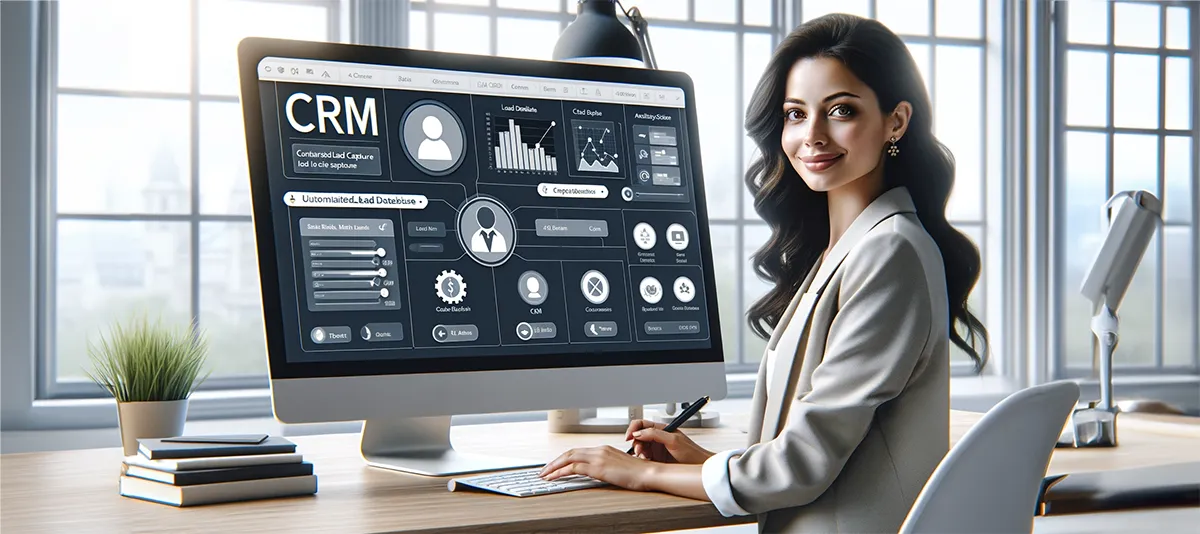
The meaning of a CRM System, minus the jargon: one shared record of every customer conversation, the functions it runs for sales and support, and why the benefits show up on the revenue line.
Read the article →
CRM lead management means capturing every enquiry, scoring it and following it up through the sales pipeline until it becomes a customer, with a custom CRM doing the remembering your sales team would rather not.
Read the article →
Selecting the ideal CRM Software is crucial for small businesses in Singapore's dynamic market. With numerous options available, it's essential to find one that matches your specific needs, offering the right blend of features and value to make a significant impact on your business operations.
Read the article →